Check signup availability, sign in to an existing account, and request a password reset.
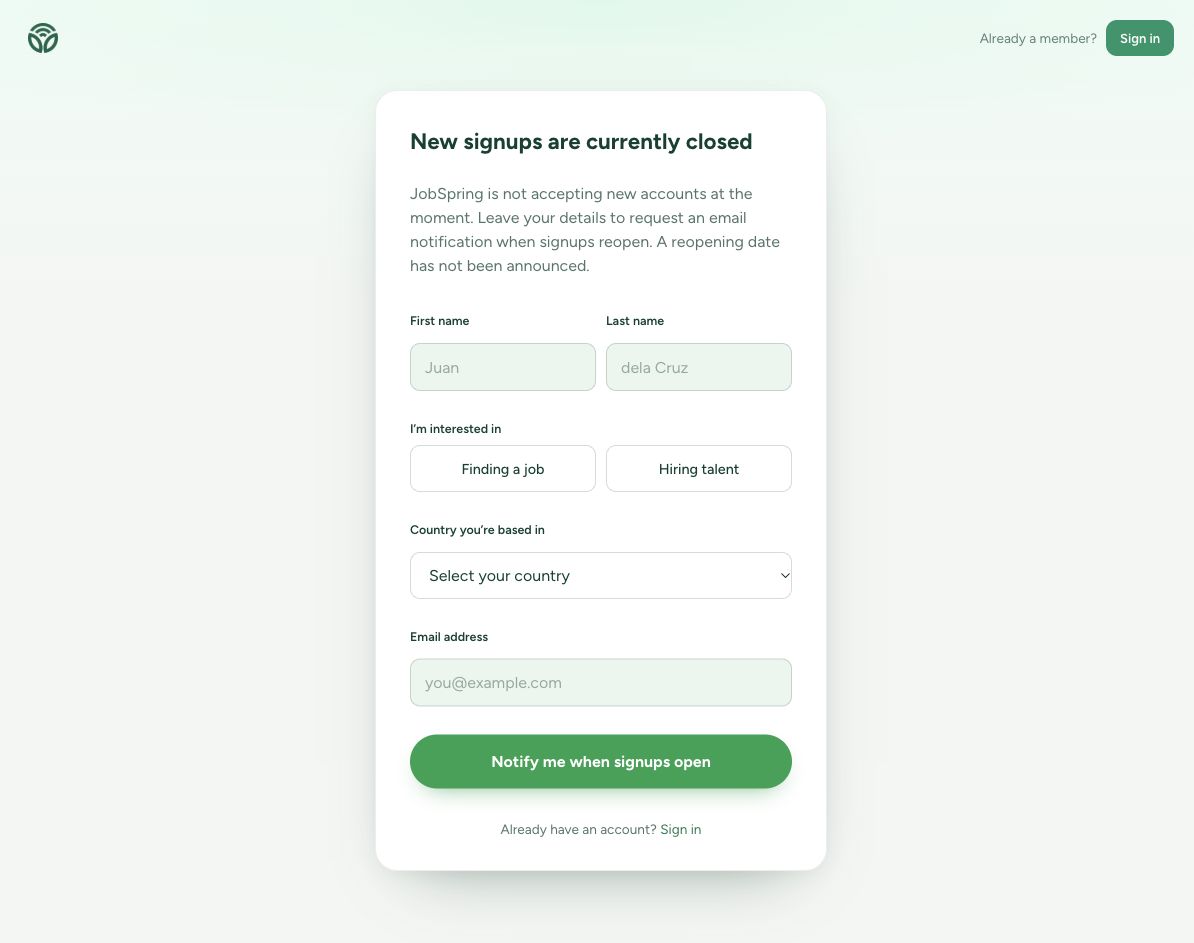
New account registration on jobspring.pro is currently closed. The Create account page offers a notification form asking for your name, interests, country, and email address. Requesting a notification does not create an account or guarantee an opening date. Check that page for current availability.
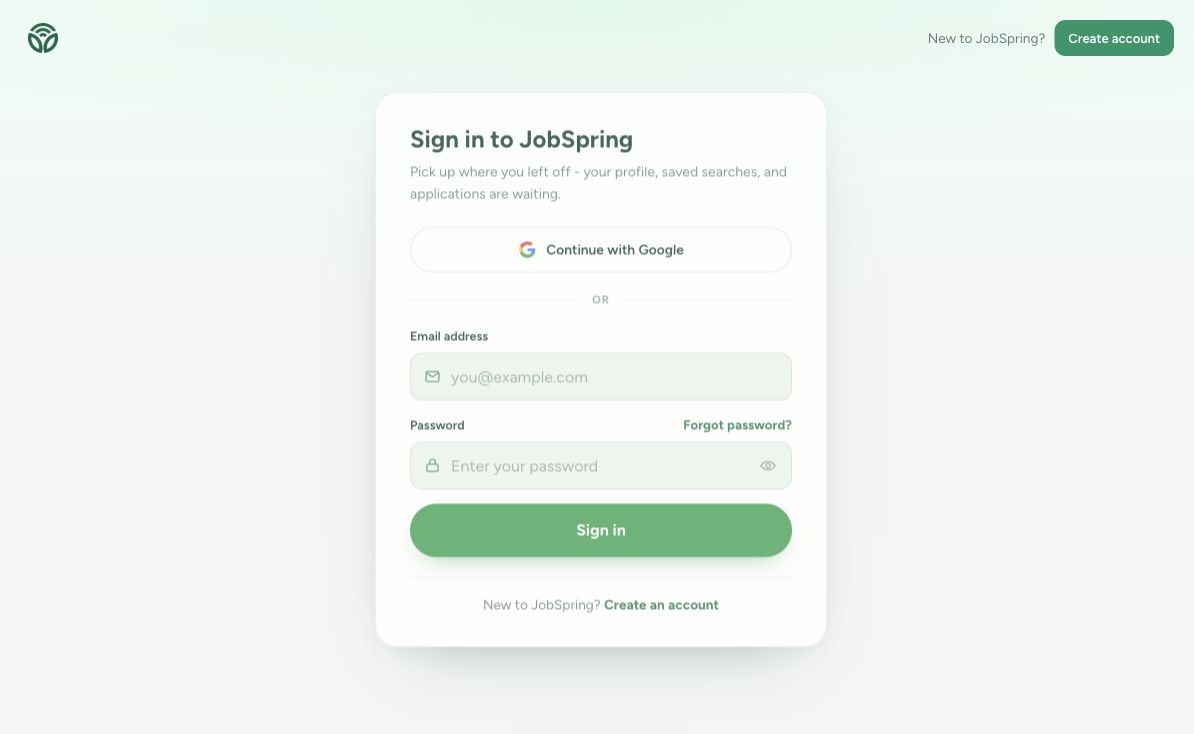
If you already have an account, choose Sign in. Enter the email address and password for that account, or use Continue with Google for your Google sign-in. Follow any email-confirmation or account-completion instructions shown on screen.
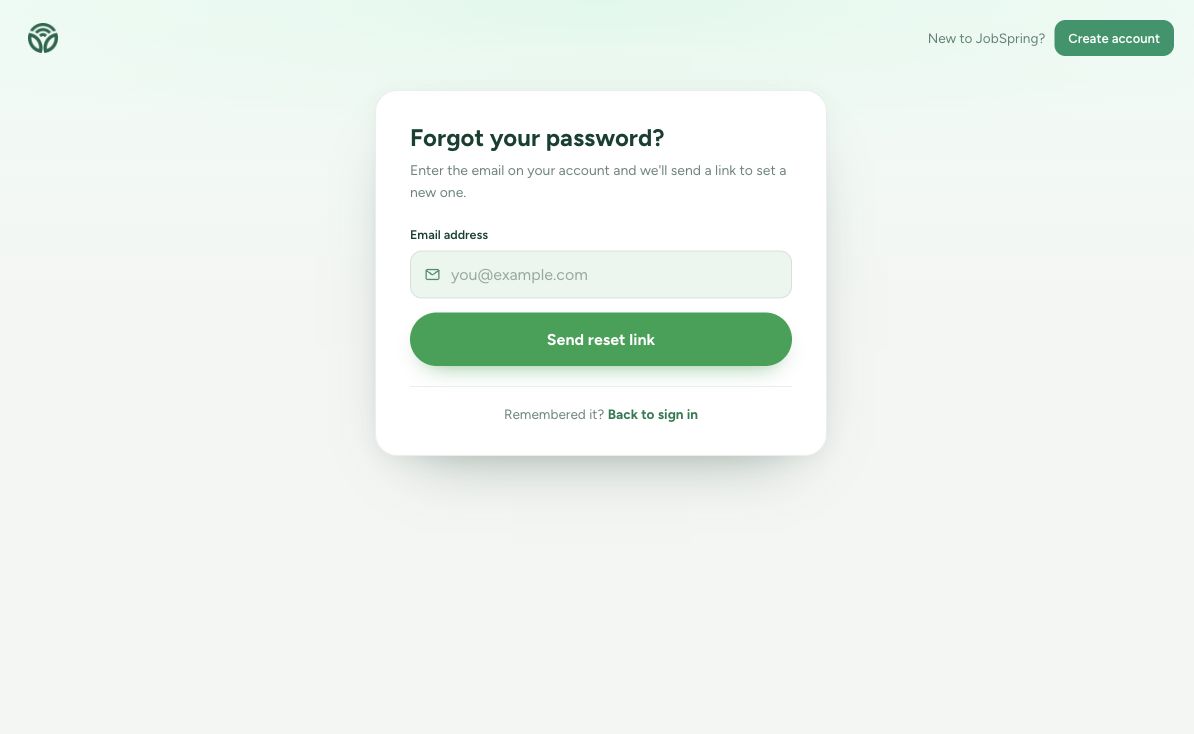
For a forgotten password, select Forgot password? on the sign-in page. Enter the email associated with your account and choose Send reset link. Check your inbox and spam folder, then follow the email instructions to set a new password. Never share the reset link, password, or sign-in code with another person.
A reset confirmation does not confirm whether an account exists for an address. If the page asks you to wait before another request, follow the displayed cooldown. For an unresolved access problem, contact JobSpring with the page URL and error message, without including credentials.